Remove Metadata
Remove the PDF document Info dictionary and document-level XMP metadata from one PDF, then download a rewritten copy. The tool does not inspect or strip EXIF metadata inside embedded image payloads.
Upload a PDF to remove document metadata
Remove PDF document Info and XMP metadata before sharing. Uploaded and generated files become eligible for scheduled cleanup after 60 minutes.
Drag and drop a file here, or click to browse.
Remove PDF Info and XMP metadata with a verified rewrite
PDF files can contain a document Info dictionary with fields such as title, author, subject, keywords, creator, producer, and dates. PDFs can also contain document-level XMP/XML metadata. This tool rewrites the PDF after removing those two document-level metadata stores.
The scope is intentionally narrow. Remove Metadata does not claim to inspect embedded-image EXIF data, erase visible personal information, sanitize every possible PDF object, or certify a document as anonymous.
Upload one PDF
Choose one PDF up to the current 100 MB upload limit.
Remove document metadata
The worker removes the document Info dictionary and document-level XMP metadata.
Verify the rewrite
The worker reopens the output and checks that Info and XMP metadata are absent before reporting success.
Download and review
Download the rewritten PDF and inspect the content and structures that matter to your workflow.
What the tested workflow removes
- The PDF document Info dictionary
- Standard Info values such as author, title, creator, and producer
- A controlled custom Info-dictionary entry in the production test
- Document-level XMP/XML metadata
- Controlled removed metadata strings from the rewritten file bytes
Important limits
- No claim that EXIF or GPS metadata inside embedded images is removed
- No guarantee that all hidden or identifying information is removed
- No anonymity, legal, regulatory, archival, or privacy-compliance certification
- Encrypted PDFs are refused rather than modified
- PDFs containing digital-signature indicators are refused because rewriting can invalidate signatures
- Controlled structure preservation is not a universal compatibility guarantee
Tested through the live upload, queue, worker, and download path
Reviewed by PDF Toolbox. Tested September 29, 2026 (UTC) against the live production APIs and BullMQ worker using PyMuPDF 1.26.7.
Production evidence job 728 processed a two-page synthetic source containing document Info metadata, a custom Info value, XMP metadata, an attachment, a text form field, a URI link, an annotation, and a rotated image-only page. The downloaded output was then reopened and verified.
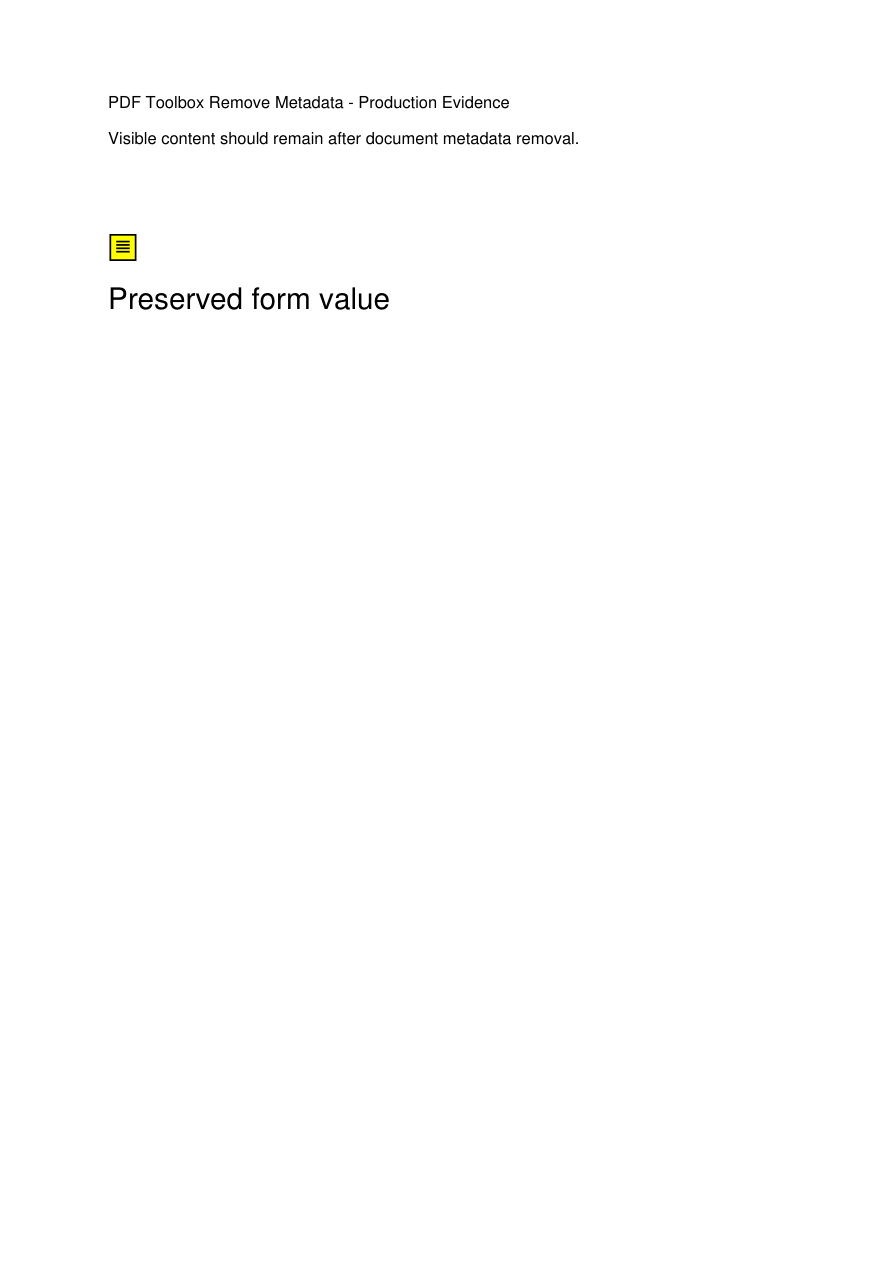
The source contained visible page content plus document Info metadata, document-level XMP metadata, an attachment, a form value, a URI link, an annotation, and a rotated image-only page.
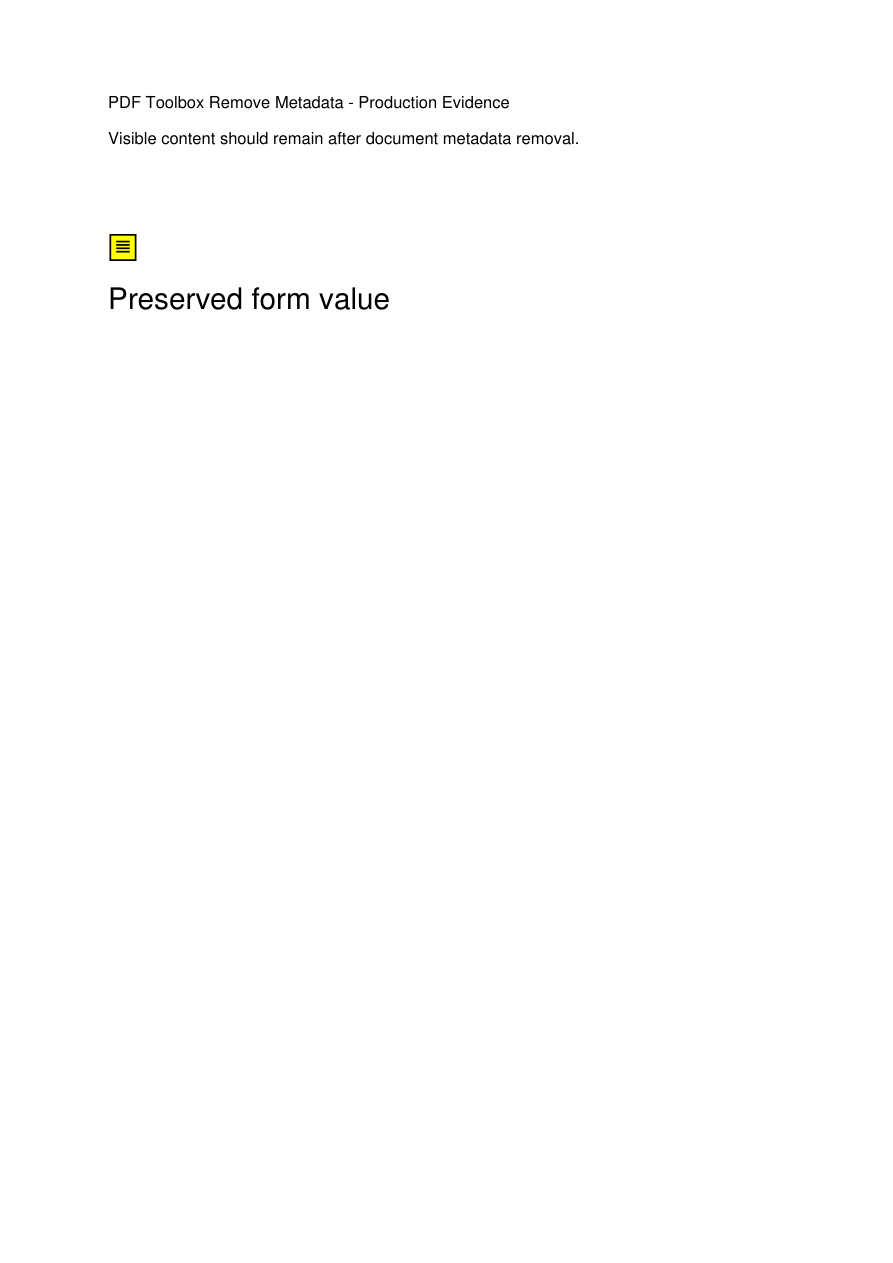
The first page remained visually unchanged in the controlled test while the document Info dictionary and document-level XMP metadata were removed.

The second page remained image-only and retained its tested 90-degree page rotation after the metadata rewrite.
Production test results
These results describe the published synthetic production control. They document observed behavior rather than promising identical behavior for every possible PDF.
| Check | Observed result | Status |
|---|---|---|
| Evidence production job | Job 728 completed through the public upload, Remove Metadata API, BullMQ worker, status API, and public download path. | Passed |
| Document Info dictionary | The rewritten output reported no document Info dictionary. | Passed |
| Document-level XMP | The rewritten output reported no XMP metadata object or XMP content. | Passed |
| Controlled metadata strings | The tested title, keywords, custom Info value, and XMP secret were absent from the downloaded output bytes. | Passed |
| Page count / rotation | Two pages remained and the tested second page retained its 90-degree rotation. | Passed |
| Selected PDF structures | The tested attachment, form field/value, URI link, text annotation, and image-only page remained. | Observed in test |
| Open-password encryption | Gate A job 725 was refused with an encrypted-PDF error. | Passed |
| Permissions-only encryption | Gate A job 726 was refused even though no open password was required. | Passed |
| Signature-field PDF | Gate A job 727 was refused because rewriting can invalidate signatures. | Passed |
| Runtime stability | Web, worker, and janitor restart counts remained unchanged during final live acceptance. | Passed |
e0f7e85772e7beefd583461d8582bc4f7c0888d1d745b4cb93ec44b55516fc7b115abd3550aa469db8424e886ce5591f13ccc9f288c83b177eaa0602c509b907Metadata removal is not the same as redaction
Document metadata is separate from visible text and many other PDF objects. A person's name can still appear in page content, comments, annotations, form fields, attachments, filenames, or images even after Info and XMP metadata are removed.
If your goal is to permanently remove visible sensitive information, use the Redact PDF workflow and verify the resulting file separately.
Review the rewritten PDF before relying on it
- 1. Keep the original PDF until you have reviewed the rewritten copy.
- 2. Inspect visible text, annotations, form values, attachments, and filenames for identifying information.
- 3. Inspect embedded images separately if EXIF, GPS, camera, or timestamp metadata matters to your workflow.
- 4. Do not treat metadata removal alone as proof of anonymity or compliance with a legal, regulatory, archival, or privacy requirement.
File retention
Uploaded PDFs and generated outputs become eligible for scheduled deletion after 60 minutes. Cleanup runs every five minutes, so removal may occur shortly after the threshold rather than at an exact minute.
FAQ
What metadata does this tool remove?
The current production workflow removes the PDF document Info dictionary and document-level XMP/XML metadata. In the September 29, 2026 production control, standard Info fields, a custom Info entry, and the controlled XMP content were absent from the rewritten output.
Does Remove Metadata delete EXIF or GPS data from images inside the PDF?
No such claim is made. The tool does not inspect or deliberately strip EXIF metadata inside embedded image payloads. If image-level metadata matters to your workflow, inspect or sanitize the original images separately before placing them in a PDF.
Does this make a PDF anonymous or remove every hidden identifier?
No. Removing document Info and XMP metadata does not prove that every identifying or hidden datum is gone. Text, annotations, form values, attachments, filenames, embedded images, document content, and other PDF structures can still contain identifying information.
Will the PDF look exactly the same after processing?
The production control preserved its two-page count, visible first-page content, 90-degree rotation, image-only page, attachment, text form value, URI link, and annotation. That is a controlled observation, not a universal guarantee for every PDF structure or viewer.
What happens with encrypted PDFs?
The production workflow refuses encrypted PDFs, including both open-password encryption and the tested permissions-only encryption case. Unlock the document first if you are authorized to do so, then remove its document metadata.
What happens with digitally signed PDFs?
PDFs containing a digital-signature indicator are refused. Metadata removal rewrites the PDF, and rewriting can invalidate a digital signature.
How large can the uploaded PDF be?
The current site upload endpoint accepts files up to 100 MB. Remove Metadata processes one PDF at a time.
When are uploaded and generated files deleted?
Uploaded and generated files become eligible for scheduled cleanup after 60 minutes. Cleanup runs on a five-minute interval, so deletion is not guaranteed at the exact 60-minute mark.