Protect PDF
Require a password before a PDF can be opened. The tested production workflow uses AES-256, accepts passwords from 4 to 40 characters, and creates a new protected copy for download.
Upload a PDF to protect
Add a password to your PDF file. Files become eligible for scheduled cleanup after 60 minutes.
Drag and drop a file here, or click to browse.
Add an AES-256 password requirement before the PDF can be opened
Protect PDF takes one uploaded PDF, applies password encryption, and creates a separate output file. In our September 29, 2026 live production test, the downloaded file reported Standard V5 R6 256-bit AES and required the requested password before its contents could be accessed.
This is deliberately an open-password workflow. It does not expose separate controls for printing, copying, editing, annotating, or other post-open permissions.
Upload one PDF
Choose a PDF up to the site upload limit. The server stores it temporarily for processing.
Choose 4-40 characters
Enter and confirm the open password. The current protection engine rejects shorter or longer values.
Create the protected copy
The queued worker applies AES-256 encryption and verifies the resulting PDF before reporting success.
Download and verify
Open the new file in your own PDF reader and confirm that the password and any document features important to you behave as expected.
What the production test supports
- A downloaded PDF that required the requested password
- Wrong-password rejection and correct-password authentication
- Reported Standard V5 R6 256-bit AES encryption
- Preservation of all four tested right-angle page rotations
- Preservation of selected metadata, attachment, form, link, annotation, and image-only controls
- Deliberate refusal of malformed, already-encrypted, and signature-field PDFs
Important limits
- No separate print, copy, edit, or annotation permission controls
- Password length is currently limited to 4-40 characters
- Already-protected PDFs must be handled separately before setting a new password
- Digitally signed PDFs are refused because rewriting can invalidate signatures
- Preservation observations from the synthetic test are not a universal PDF compatibility guarantee
Tested through the live upload, queue, worker, and download path
Reviewed by PDF Toolbox. Tested September 29, 2026 (UTC) against the live production APIs and BullMQ worker using PyMuPDF 1.26.7. The synthetic source contained five pages, rotations of 0, 90, 180, and 270 degrees, an image-only page, metadata, an attachment, a text form field, a URI link, and a text annotation.
Positive production job 716 completed with a verified AES-256 result. Negative production jobs 717-719 rejected malformed, already-encrypted, and signature-field controls without leaving partial outputs.
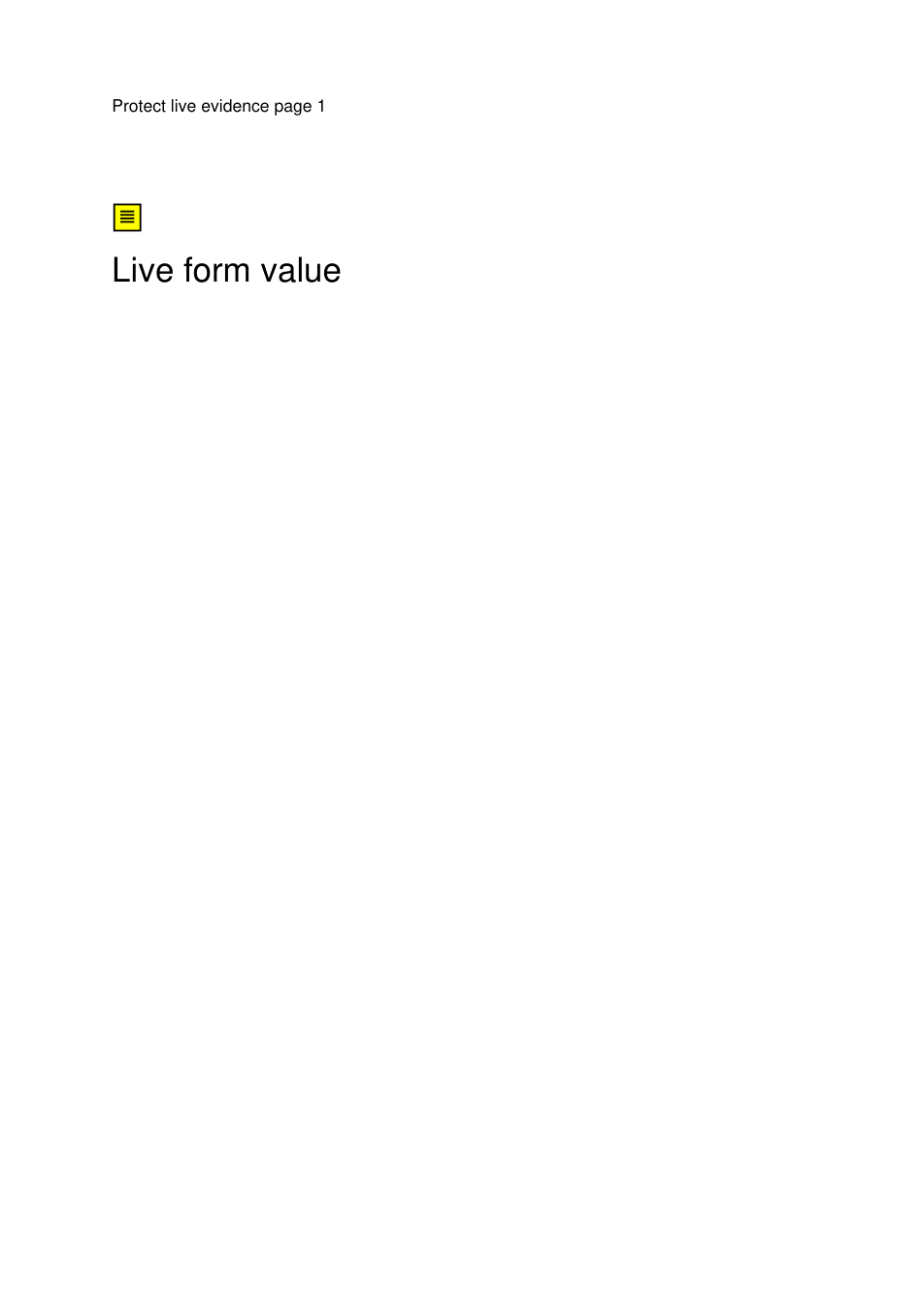
The production source included right-angle rotation controls, metadata, an attachment, a form field, a URI link, a text annotation, and an image-only page.
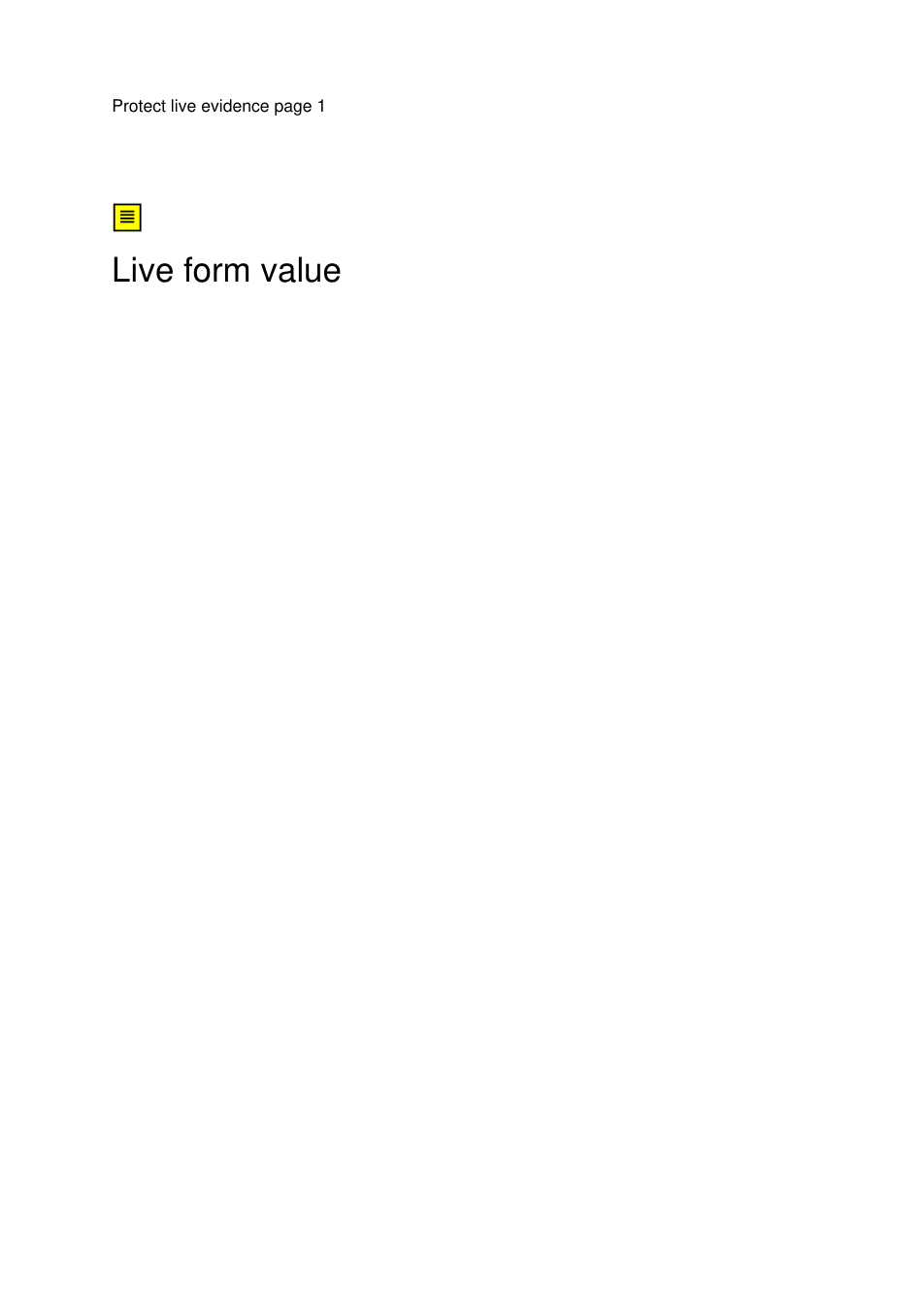
After authentication, the tested first page retained its visible content and selected structures. The downloadable output itself still requires the published test password.

The tested output retained page rotations of 0, 90, 180, and 270 degrees, including this 90-degree control page.
The published output is a synthetic test file. Its test password is GateA-Protect-2026!. Do not reuse that password for your own documents.
Production test results
These results describe the published synthetic control and the production jobs listed below. They document observed behavior rather than promising that every PDF viewer or PDF structure will behave identically.
| Check | Observed result | Status |
|---|---|---|
| Primary production job | Job 716 completed through the public upload, Protect PDF API, BullMQ worker, status API, and public download path. | Passed |
| Encryption | Downloaded output reported Standard V5 R6 256-bit AES. | Passed |
| Password authentication | Wrong-password authentication returned 0; the requested password authenticated successfully. | Passed |
| Page count / rotations | Five pages remained, with rotations 0, 90, 180, 270, and 0 degrees. | Passed |
| Selected PDF structures | Test metadata, attachment, form field/value, URI link, text annotation, and image-only page remained. | Observed in test |
| Password bounds | 3-character and 41-character requests were rejected with HTTP 400. | Passed |
| Path validation | Invalid file and session path controls were rejected with HTTP 400. | Passed |
| Malformed input | Job 717 failed with no partial protected output. | Passed |
| Already-encrypted input | Job 718 failed with no partial protected output. | Passed |
| Signature-field input | Job 719 failed with no partial protected output. | Passed |
| Persisted job data | After worker claim, BullMQ data showed passwordRedacted=true with no plaintext password field. | Observed in test |
| Runtime stability | Web, worker, and janitor restart counts remained unchanged during live acceptance. | Passed |
Password handling and file retention
Protect PDF is not a zero-knowledge service. The password must be sent to the server so the protection task can run. In the September 29 production test, the worker removed the plaintext password from persisted BullMQ job data after claiming the job, and passed it to the Python process through standard input rather than as a command-line argument.
Uploaded PDFs and generated outputs become eligible for scheduled deletion after 60 minutes. Cleanup runs every five minutes, so removal may occur shortly after that threshold rather than at an exact minute.
Verify the protected file before relying on it
- 1. Keep the original PDF until you have opened and reviewed the protected copy.
- 2. Test both a correct and an intentionally wrong password in the PDF reader you plan to use.
- 3. Check forms, links, annotations, attachments, metadata, accessibility, signatures, and other features that matter to your workflow.
- 4. Do not treat password protection by itself as a legal, regulatory, archival, or confidentiality certification.
FAQ
What does this Protect PDF tool do?
It adds an open password to one uploaded PDF and creates a new password-protected copy. A viewer must provide the password before the document can be opened. The original upload remains separate from the generated output.
What encryption did the production test verify?
In the September 29, 2026 production test, the downloaded output reported Standard V5 R6 256-bit AES. The wrong password did not authenticate, while the requested password did.
Does Protect PDF block printing, copying, or editing after the password is entered?
No separate permission controls are configured by this tool. Its tested purpose is to require a password to open the PDF. Once an authorized user opens the file, printing, copying, editing, or other actions depend on the PDF viewer and the document itself.
How long can the password be?
The current workflow accepts passwords from 4 through 40 characters. Requests below 4 or above 40 characters are rejected before a protection job is queued.
What happens with an already-protected or digitally signed PDF?
The tested workflow refuses already password-protected PDFs and PDFs containing a digital signature indicator. Adding encryption rewrites the PDF and can invalidate signatures, so signed files are rejected instead of being modified.
Are PDF forms, links, metadata, attachments, and rotations preserved?
In the published five-page synthetic production control, selected metadata, an embedded attachment, a text form field and value, a URI link, a text annotation, page rotations of 0, 90, 180, and 270 degrees, and an image-only page were preserved. That is a controlled observation, not a guarantee for every PDF structure.
What happens to the password on the server?
The password must reach the server so the protection task can run. In the September 29 production test, after the worker claimed the job, persisted BullMQ job data showed passwordRedacted=true with no plaintext password field, and the Python process received the password through standard input rather than a command-line argument. This is not a zero-knowledge design.
When are uploaded and generated files deleted?
Uploads and generated outputs become eligible for scheduled deletion after 60 minutes. Cleanup runs on a five-minute interval, so deletion is not guaranteed at the exact 60-minute mark.
What if I forget the password?
Keep the password somewhere you control. This Protect PDF page does not provide password recovery, and a protected file may be unusable to you if you no longer know the password.